Practice 90 Minute Mocks With the LLQP Supplied Calculator in Canada
Practice 90 Minute Mocks With the LLQP Supplied Calculator in Canada ! Candidate practising with supplied calculator Yes, but only in one of two forms: the calculator supplied by the exam administrator at a test centre, or the built-in, non-programmable calculator inside the digital exam platform for online proctored sittings.

Practice 90 Minute Mocks With the LLQP Supplied Calculator in Canada
Yes, but only in one of two forms: the calculator supplied by the exam administrator at a test centre, or the built-in, non-programmable calculator inside the digital exam platform for online proctored sittings. Personal calculators, phones, or smart watches are not allowed in either exam format. Rules are set provincially, so always confirm the exact policy with your local insurance council before test day.
TL;DR:
- Candidates must use only the supplied non-programmable calculator at test centres or the built-in digital calculator during online exams, with no personal devices allowed.
- In-person exams provide the calculator and testing materials, while online candidates access the calculator within the exam platform itself, both formats requiring strict adherence to rules.
- Only basic arithmetic and simple financial functions are permitted, with graphing, programmable, or wireless-capable calculators explicitly banned across all provinces.
- Using any unauthorized device or calculator can lead to investigation, exam invalidation, and potential restrictions on future licensing, depending on severity.
- Practicing with the exact calculator functions beforehand and reviewing provincial rules helps ensure smooth exam performance and compliance.
Table of Contents
- Which calculators are allowed on the LLQP exam?
- How do in-person and online LLQP exams differ?
- What materials are supplied, and what’s banned?
- What happens if you use an unauthorized calculator or device?
- How should you prepare for the allowed exam calculator?
- Why strict device rules protect you, not just the regulator
- Practise with the exact tools you’ll see on exam day
- Where to verify your province’s exact rules
- Sources
- FAQ
Which calculators are allowed on the LLQP exam?
The permitted calculator is always non-programmable and non-printing. That means no memory storage for formulas, no ability to load custom programs, and no wireless or Bluetooth connection to another device. It can add, subtract, multiply, divide, and handle basic percentage and financial calculations, and nothing more.
For in-person exams, the LLQP examinee information guide confirms that test centres supply the calculator along with pencils and erasers. You do not choose the model. For online proctored exams, the calculator lives inside the exam interface itself. It appears on-screen as a built-in tool, and it is the only calculator function you are permitted to use, according to the LLQP exam information page from the Insurance Council of BC.
Some provinces name specific calculator types when a personal device is permitted for other regulated exams, which creates confusion for LLQP candidates. Exam support pages for other financial licensing exams, for instance, note that a basic or non-programmable financial calculator is acceptable where a brought device is allowed at all, while graphing and programmable models are explicitly banned. For the LLQP specifically, that distinction rarely matters, because most provinces simply supply the tool and remove the guesswork entirely.
Here’s what defines an allowed calculator versus a prohibited one:
- Allowed: basic arithmetic functions, percentage calculations, simple financial functions if built into the supplied device or platform tool.
- Prohibited: graphing calculators, programmable calculators, calculators with printing tape, calculators with alphabetic memory storage, and any calculator with wireless capability.
- Prohibited: phones, tablets other than the one issued for the exam, smart watches, and any personal electronic device used as a calculator substitute.
Pro Tip: Don’t assume your everyday financial calculator from work will pass. If it stores client data, syncs to an app, or connects to Bluetooth in any way, leave it at home. The supplied tool covers everything the exam requires.
Rules vary slightly by province, and the Insurance Council of Manitoba’s exam rules document states plainly that candidates must use the supplied non-programmable calculator or the tablet calculator, with no other calculator permitted under any circumstance. That single sentence, repeated in similar language across provincial documents, is the clearest signal you’ll get: the administrator’s tool is the only tool.
How do in-person and online LLQP exams differ?
The calculator rule is consistent across formats. Delivery and monitoring differ between in-person and online exams, which can confuse candidates who assume the formats operate identically.
- In-person test centres supply everything you need at your seat: pencils, erasers, scratch paper, and either a physical calculator or a tablet loaded with the exam interface and the CISRO electronic reference material. A proctor checks your identification before you sit down, and no external materials, including your own pen, go anywhere near the desk.
- Online proctored exams require your webcam and microphone running for the entire session, a single monitor (no dual-screen setups), and a private room free of other people or open materials. The calculator appears as a built-in function inside the platform itself, not as a separate app or device you launch yourself.
- Identification and authentication differ too. In-person candidates show physical ID to a human proctor. Online candidates typically go through a digital authentication step before the exam unlocks, followed by continuous webcam monitoring throughout.
Before exam day, candidates should carefully review their province’s examinee guide and any tablet user guides published to understand the functions of the built-in reference and calculator, as these resources clarify exam procedures and tools.
What materials are supplied, and what’s banned?
Test centres and online platforms supply a specific set of materials, and any materials outside that set are not allowed during the exam.
Supplied at in-person centres: scratch paper, pencils and erasers, and the calculator or exam tablet. The tablet contains the CISRO electronic exam reference, which is the only authorised reference material during the exam, according to the Insurance Council of BC’s examinee guide.
Banned everywhere, online or in person:
- Personal phones, smart watches, or any wearable electronic device.
- Programmable or graphing calculators, or any calculator with printing or storage capability.
- Personal notes, textbooks, or printed reference materials.
- Cameras or recording devices, including those built into eyewear or accessories, are all prohibited.
Pro Tip: Even a phone left in your pocket on silent counts as possession of a prohibited device. Leave it in your bag, in your car, or at home. “I forgot it was there” doesn’t hold up during a misconduct review.
What happens if you use an unauthorized calculator or device?
Regulators monitor exams closely, and the tools involved go well beyond a proctor glancing across the room. In-person exams combine live proctors with surveillance cameras. Online exams add continuous webcam and microphone recording, authentication checks, and in some cases automated flagging of unusual behaviour, all outlined in the LLQP examination rules, misconduct and investigation policy.
Misconduct examples tied to devices span a wide range of severity:
- Lower risk: having a phone visible but powered off and untouched during the exam.
- Medium risk: using a personal calculator instead of the supplied one, even briefly.
- High risk: photographing exam content, or accepting remote assistance through a hidden device or second screen.
Consequences scale with severity. A confirmed violation can trigger a formal investigation, invalidation of your exam result, and in serious cases, restrictions on future licensing eligibility. Candidates typically have a right to respond or appeal during an investigation, but the process takes time, and an invalidated exam usually means writing again after any required waiting period.
How should you prepare for the allowed exam calculator?
Practising with the exact calculator functions you’ll face on exam day removes a surprisingly large source of stress, and regulators themselves point to this as a practical safeguard against wasted time on test day.
- Run timed mock exams that mirror the built-in or supplied calculator’s actual functions, sticking to basic arithmetic and whatever limited financial calculations your province allows.
- Review your province’s tablet user guide or any exam-platform demo available before booking, so the interface itself holds no surprises.
- Confirm your exam format ahead of time. In-person candidates should know what’s supplied at check-in; online candidates should run a full system check the day before, not the morning of.
Pro Tip: If your province publishes a demo video of the tablet interface, watch it twice: once for the calculator location, once for how the CISRO reference search actually works. Most candidates only watch it once and still fumble the search function under time pressure.
Why strict device rules protect you, not just the regulator
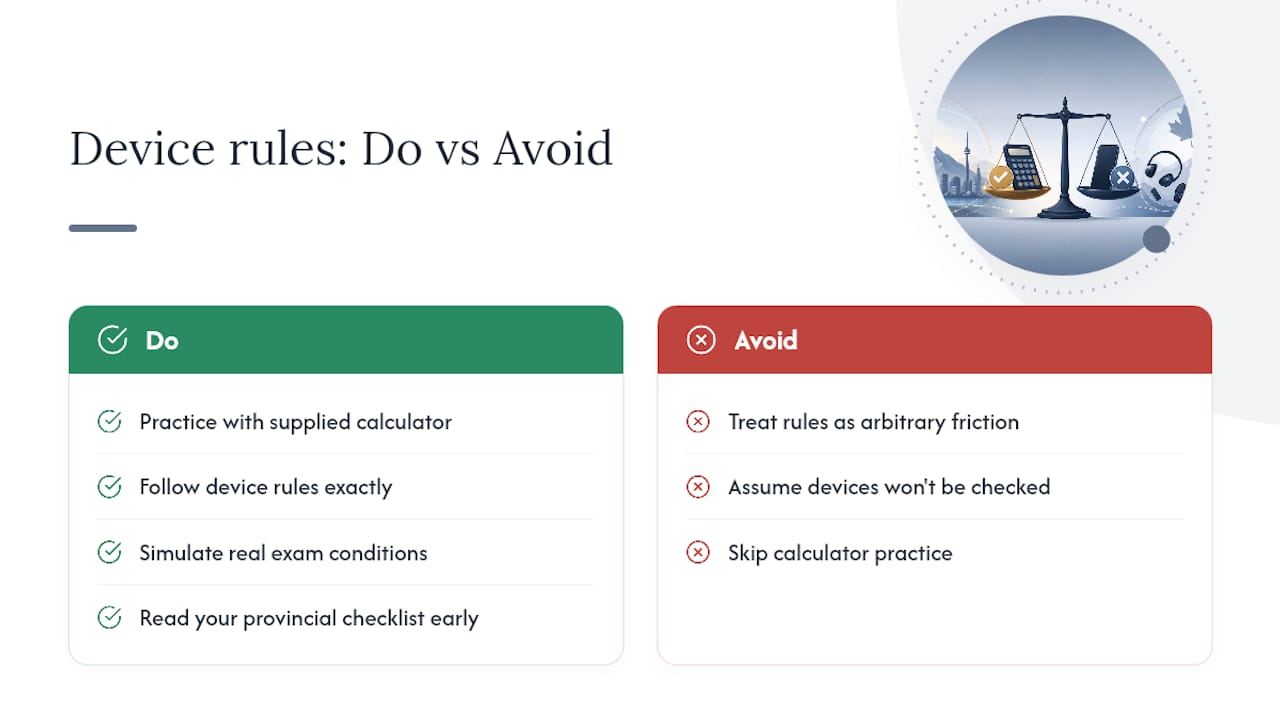
Strict calculator and device rules exist because the LLQP license carries weight. Clients trust that a licensed advisor passed a fair, standardized test, and that trust erodes fast if exam integrity gets treated as optional. Following the rules to the letter isn’t just about avoiding trouble. It’s what keeps your eventual license valuable.
I’d also push back gently on candidates who treat these rules as arbitrary friction. They’re not designed to trip you up. They’re designed so the person sitting next to you, and the advisor across town who wrote the same exam, cleared the same bar you did. Practise under real exam conditions, read your province’s checklist early, and treat the supplied calculator as familiar territory well before you sit down.
— Reza
Practise with the exact tools you’ll see on exam day
Reading the rules is one thing. Sitting through a 90-minute mock exam with a countdown timer and the same restricted calculator functions you’ll face for real is another. That’s the gap Llqpguide is built to close. Full-length mock exams simulate real exam conditions, province-specific lessons cover the calculator and reference-search quirks your jurisdiction actually tests, and readiness tracking flags which modules need more time before you book your date.
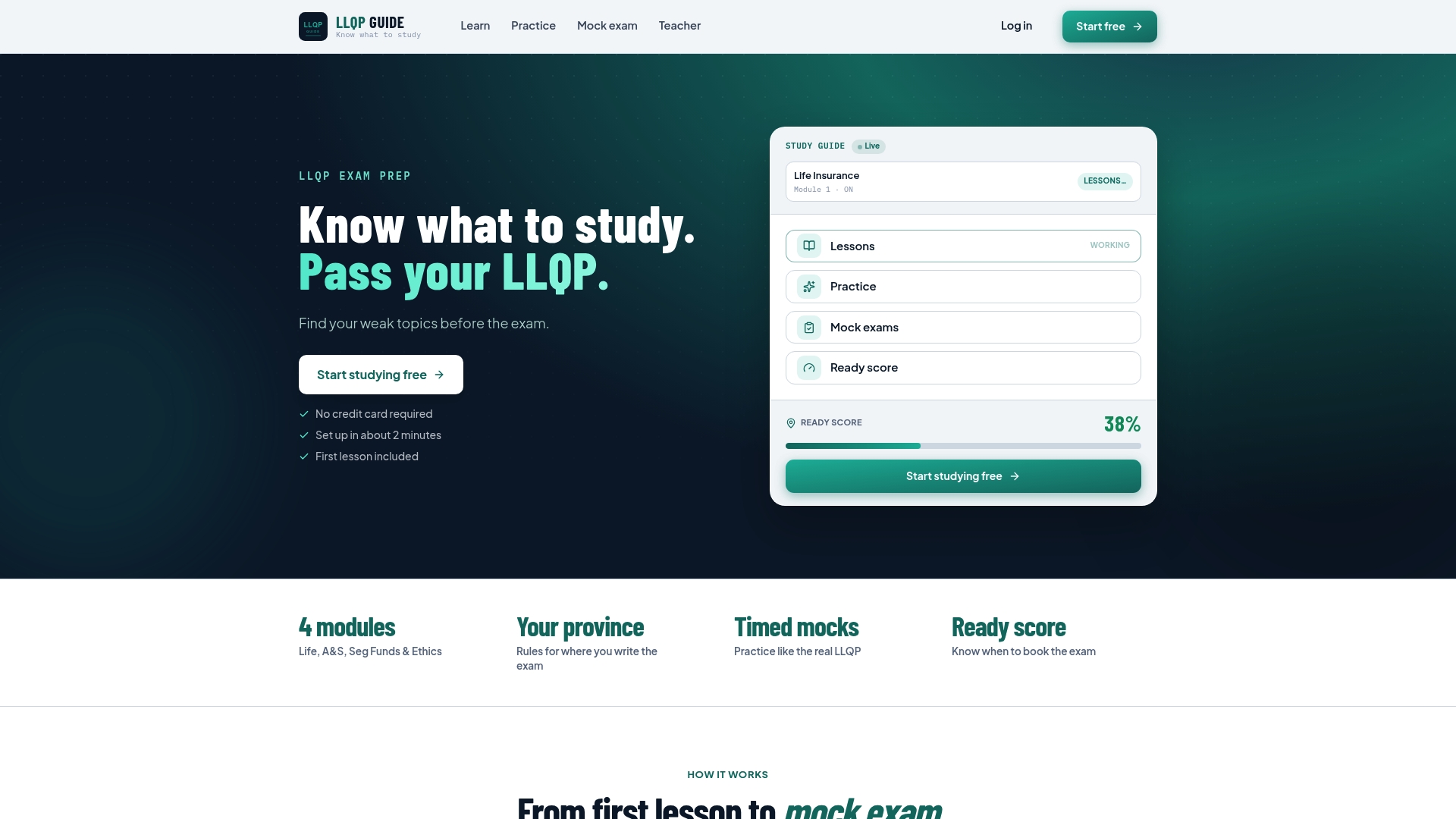
If English isn’t your first language, in-lesson translation tools across 11+ languages help you focus on the calculation itself, not on decoding the question. Whether you’re studying Life Insurance, Accident & Sickness, Segregated Funds & Annuities, or Ethics & Professional Practice, the same timed, calculator-restricted format applies across every module on Llqpguide. Check the pricing page and start a practice subscription before you lock in your exam date.
Where to verify your province’s exact rules
Provincial policy can shift, so confirm details directly with your regulator before exam day. Start with your province’s LLQP examinee information guide, the rules-during-the-exam document your council publishes, and the CISRO exam administration guidance covering the electronic reference tool. If you’re writing in Ontario or BC, your provincial guide may include extra local detail worth a final read-through, including through resources like the Ontario and BC exam pages.
Sources
- LLQP examinee information guide (Insurance Council of BC)
- Rules during the exam (Insurance Council of Manitoba)
Recommended
Frequently asked questions
Is the LLQP hard to pass?
Difficulty varies by candidate and module, but Ethics and Segregated Funds & Annuities tend to trip up first-time writers more than Life Insurance. Focused practice with timed mock exams under real exam conditions, including the restricted calculator format, tends to close most of that gap.
Which calculators are approved for the LLQP exam?
Only the calculator supplied at the test centre or the built-in, non-programmable calculator inside the online exam platform is approved. Programmable, graphing, printing, or wireless-enabled calculators are never permitted, regardless of province.
How many times can you take the LLQP exam?
Retake limits and waiting periods between attempts vary by province, so check your provincial waiting period rules before rebooking. Most provinces allow multiple attempts but require a mandatory gap after a failed sitting.
Are personal calculators allowed in Canadian LLQP exams?
No. Personal calculators, including basic ones brought from home, are prohibited in every province. The exam administrator supplies the only permitted calculator, whether that's a physical device at a test centre or a built-in tool on the exam platform.
What happens if you're caught using an unauthorized calculator?
It's treated as exam misconduct and can trigger a formal investigation. Depending on severity, consequences range from a warning to exam invalidation or restrictions on future licensing eligibility.